








Buying guide · 26 Oct 2026 · 6 min read
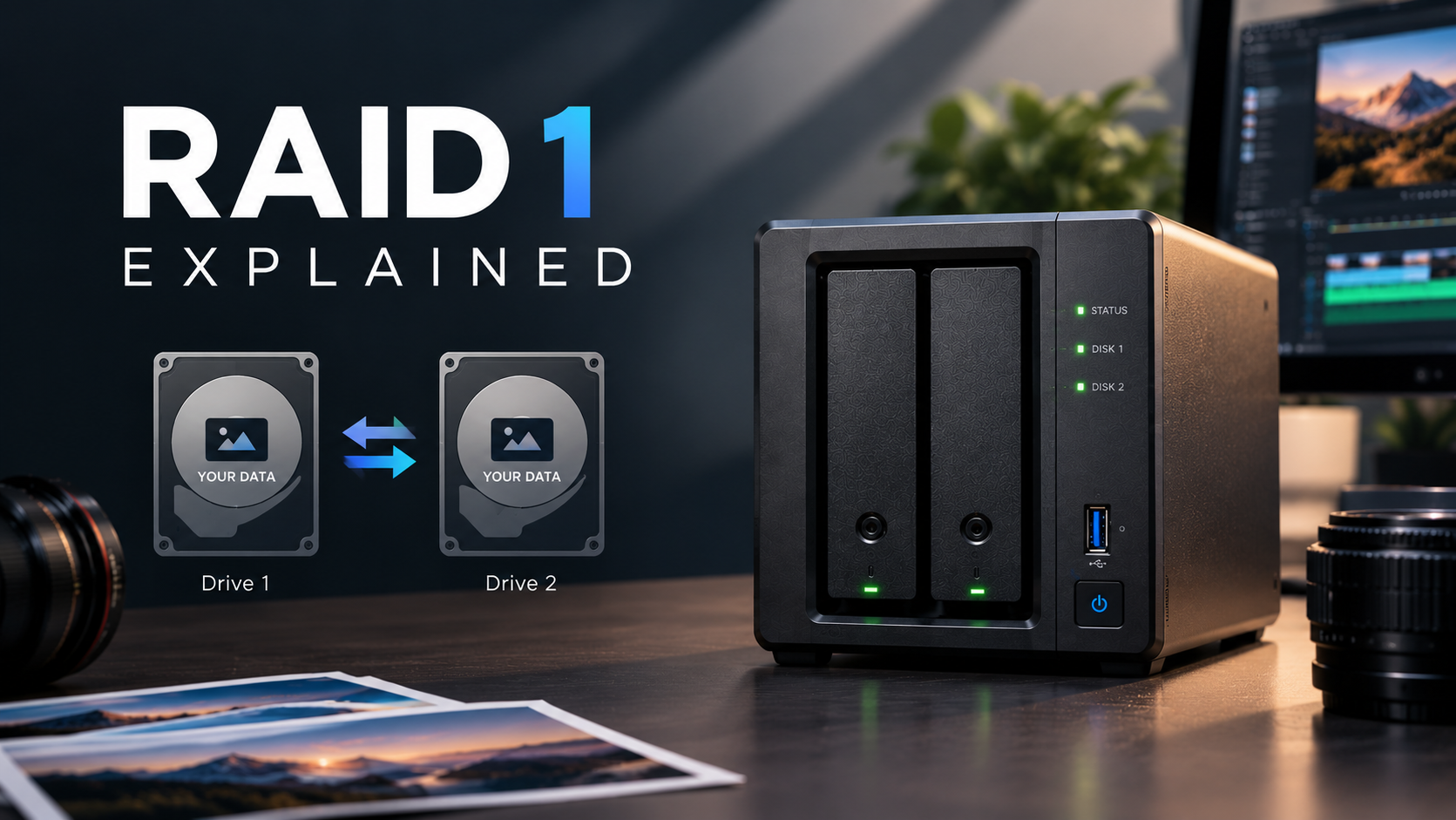
RAID 1 Explained: Mirroring, Capacity & Data Protection
Learn how RAID 1 works, its benefits, usable storage capacity, limitations, and when to use it in a NAS for reliable data protection.
Read articleStore · Protect · Share · Grow
Find, configure and manage the right NAS for the way you work, create and store, from family photos and personal files to business data, backups and surveillance.
Pay once, unlike cloud plans
RAID survives a drive failure
Your files on every device
Your data stays with you
NAS Configurator
The space you need, or your budget.
We suggest the best fit. Change it if you like.
On-site setup (Delhi NCR) and yearly support, both optional.
Live price as you go. Download a PDF or get a formal quote.
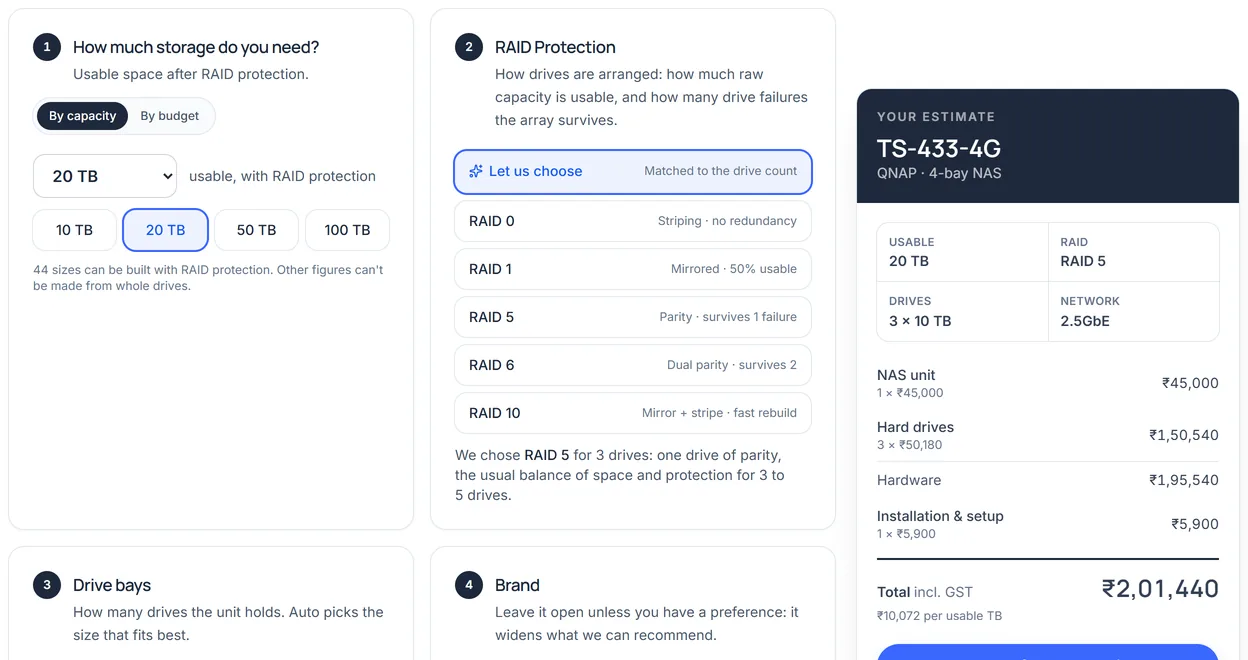
The configurator, with a 20 TB build. Prices shown are from our price list on 8 October 2026.
NAS solutions
The right NAS depends on what you do with your data.
What is NAS?
A NAS (Network Attached Storage) is a storage box on your network: one place for every file, backup and photo, reachable from every device.
Why NAS
How a NAS compares with the two things most people use instead.
No subscription. The hardware and the drives are yours.
RAID keeps your files available while the drive is replaced.
Open and edit large files straight off the NAS over 2.5GbE or 10GbE.
On your premises, behind your passwords, not on someone else's server.
Phones, laptops and PCs back up to one place automatically.
Snapshots restore files to how they were before an attack or a mistake.
Step 1
Answer three questions in the NAS Finder, or just message us on WhatsApp.
Step 2
A configuration that fits, priced in the configurator with GST included.
Step 3
Drives, RAID, backups and secure remote access, configured by our team.
Step 4
AMC plans, remote help and on-site visits for as long as you run it.
Authorized dealer
We're an authorized dealer for Synology, QNAP, Seagate and Western Digital, so every NAS and drive we supply is genuine and sourced through official channels. The box and the drives both matter, and we build with ones we'd trust with our own data.
Genuine, official-channel stock
NAS systems
NAS hard drives

IronWolf · Exos · 1–30 TB

Ultrastar · 10–24 TB
Customer reviews
5.0from 1 review
“I was pretty confused about which NAS to go for, but the team at NASTown made it really easy. They understood what I needed, explained the options without making things unnecessarily technical, and helped me with the setup as well. Everything has been working smoothly so far. Really happy with the overall experience.”
On Instagram
Reels on storage, RAID, backups and builds from our team. Join 20K+ followers on @digibuggy.
House of DigiBuggy
NASTOWN is a DigiBuggy (DGB India) company, based in Nehru Place, New Delhi. The same group, the same people behind it.
From the blog
Storage tips, buying advice and practical NAS know-how from our team.
Buying guide · 26 Oct 2026 · 6 min read
Learn how RAID 1 works, its benefits, usable storage capacity, limitations, and when to use it in a NAS for reliable data protection.
Read article
Video · 26 Oct 2026 · 7 min read
Find the best NAS for video editors. Learn about 4K and 8K editing, RAID, network speed, storage capacity, and backup solutions.
Read article
Photography · 26 Oct 2026 · 8 min read
Discover the best NAS for photographers. Compare storage capacity, RAID, backup, and performance to find the right NAS for your photo library.
Read articleFor most homes, a 2-bay NAS is enough: two mirrored drives (RAID 1) keep a copy of every file if one drive fails. Creators and small businesses usually do better with 4 bays or more, which allow RAID 5 or RAID 6, more usable capacity and room to add drives later. Choose for the storage you expect to need in the next few years, not just today, because running out of bays means buying a new NAS or an expansion unit.
Usable storage is always less than the total capacity of your drives, because RAID sets space aside for protection. For example, four 8 TB drives give 32 TB of raw capacity: RAID 5 leaves about 24 TB, while RAID 6 or RAID 10 leaves about 16 TB. Two drives in RAID 1 give the capacity of one drive. The operating system and file system use a little more. Use the NASTOWN NAS Configurator to see the usable space for any setup before you buy.
Most NAS devices are sold diskless, which means the hard drives are bought separately. This lets you choose the capacity and drive type that suit your budget and workload. Check the product page to see whether drives are included. If you would rather not choose drives yourself, our team can recommend compatible drives, install them and set up RAID for you.
Not every hard drive is suitable. Use NAS-rated drives, such as WD Red Plus or Seagate IronWolf, that are built for always-on use and listed on your NAS maker's compatibility list for your exact model. Avoid SMR (shingled) drives in RAID, as they can slow down badly under heavy writes and make rebuilds much longer. Desktop drives may physically fit but are not designed for 24/7 RAID workloads. SSD cache drives often have their own, stricter compatibility list.
Yes, on most models. Synology NAS released before 2025 are not affected by Synology's newer drive policy and work with third-party NAS drives. On 2025 DiskStation Plus models running DSM 7.3 or later, third-party hard drives that are not on Synology's list can create storage pools, although DSM labels them “Unverified”. Some other 2025 series and M.2 SSD cache have stricter rules, so check Synology's compatibility list for your exact model before buying drives.
Message us what you're storing and how you work. A person from our team replies with a GST-inclusive quote.